24 Apr 2026
Post by Elowenly
Introduction
Choosing the right computer for Cricut crafting significantly enhances your creative experience. Cricut projects often demand computers that meet specific requirements for smooth performance. This guide will help you identify essential features and provide top recommendations for desktops and laptops, ensuring your creativity flows seamlessly.
Understanding Cricut System Requirements
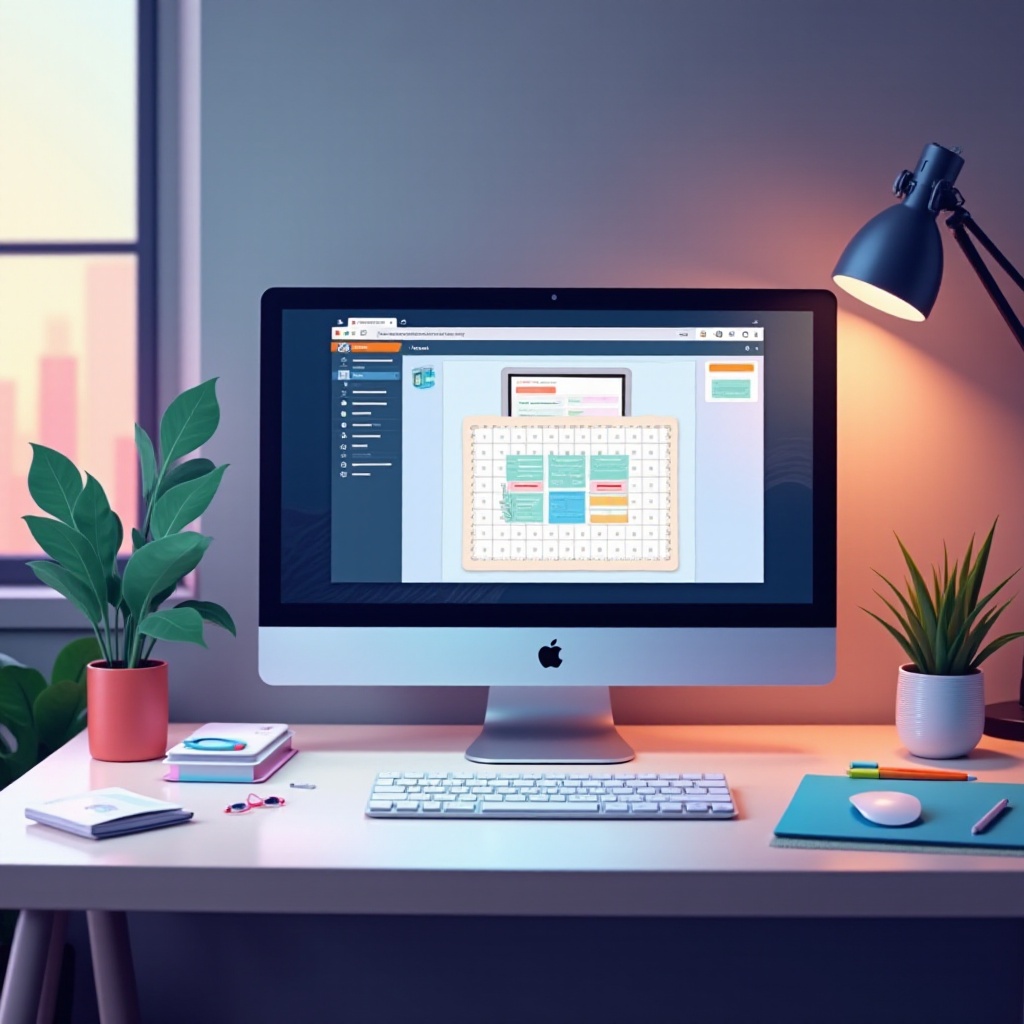
To make the most of your Cricut machine, adhering to its system requirements is vital. Cricut Design Space, the software integral to Cricut machines, requires certain specifications:
- Operating System: Windows 10/11 or macOS 11 or later.
- Processor: Intel Core i3 or above.
- RAM: Minimum 4GB, ideally 8GB for optimal performance.
- Storage: At least 2GB of free disk space.
- Internet: A reliable connection for updates and downloads.
- Bluetooth: Optional for wireless connectivity.
Understanding these needs lays the groundwork for selecting a computer that enhances your crafting process.
Key Features to Look for in a Computer for Cricut
Selecting an appropriate computer extends beyond meeting the minimum system requirements. Here are crucial features to prioritize:
- Processor and RAM: A multi-core processor paired with at least 8GB of RAM is essential for running design software smoothly.
- Storage and Graphics: While high-end graphics aren’t necessary, a dedicated card increases multitasking capabilities. SSD storage is recommended for faster load times.
- Connectivity: Ensure ample USB ports for connecting Cricut machines and other accessories. Bluetooth capability also provides added convenience.
With these features in mind, we can explore the top desktop and laptop options for Cricut users.
Top Desktop Computers for Cricut Crafting
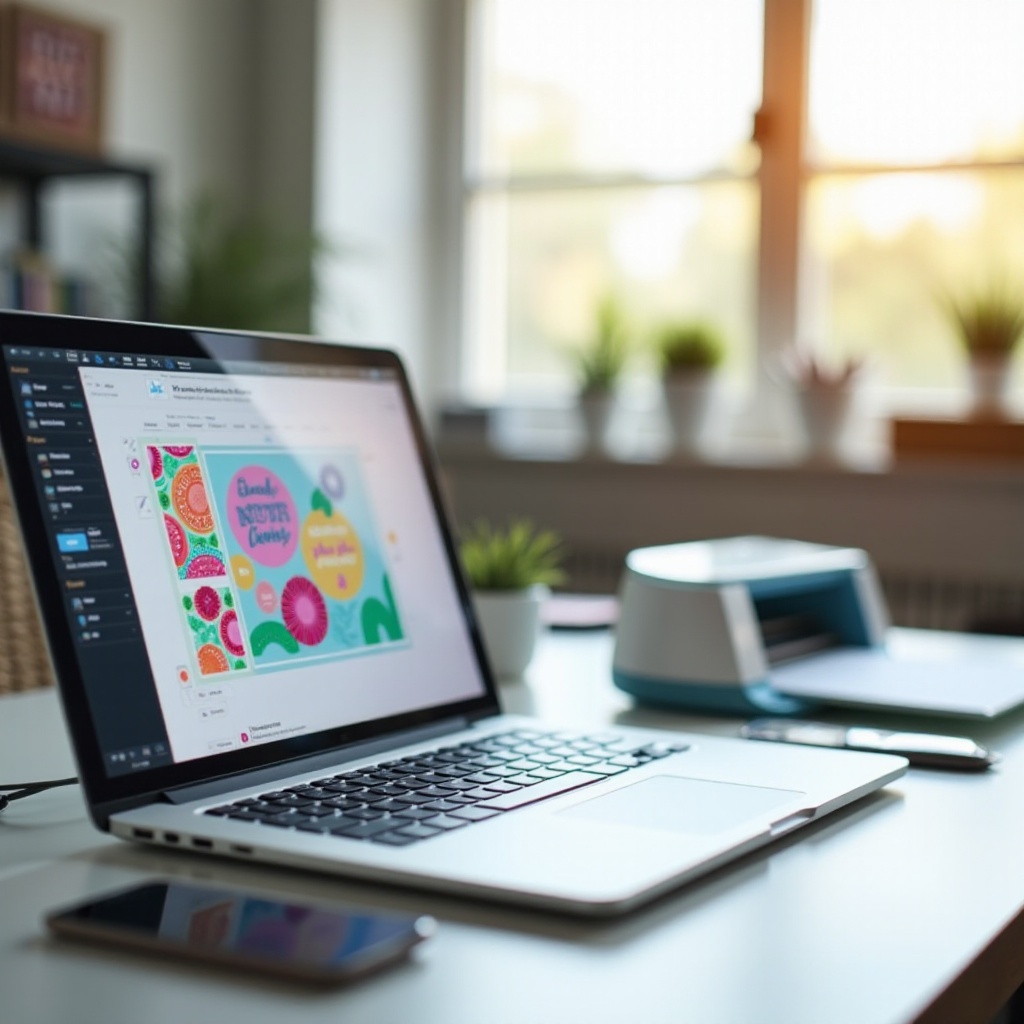
Desktops offer power and expandability, ideal for users seeking robust crafting setups.
- Budget-Friendly Desktops: Models like the Dell Inspiron provide solid performance. With an Intel i3 processor, it’s a strong base for Cricut work.
- Mid-Range Performance: The iMac balances reliability and power. Its Intel Core i5 processor and vivid display enhance design and crafting.
- High-End Workstations: The HP Envy or Lenovo ThinkCentre offer high specs for professional crafters, ensuring superior performance.
After choosing your desktop, complement it with a versatile laptop for additional flexibility.
Best Laptops for Cricut Users
Laptops offer mobility, letting you craft wherever you like.
- Affordable Laptops: Acer Aspire models meet Cricut’s needs affordably, offering good battery life and decent performance for simpler projects.
- Portable Laptops: The MacBook Air is ideal for users on the move, with a lightweight design and efficient M1 chip for smooth operation.
- Premium Laptops: The Dell XPS series delivers top-tier performance, with powerful processors and stunning displays perfect for detailed tasks.
While laptops provide versatility, a tablet might serve as an effective supplement for Cricut users.
Are Tablets a Viable Option with Cricut?
Tablets, compact with touch-screen capability, present an intriguing option for Cricut enthusiasts.
- Tablet Compatibility: The iPad Pro could complement your setup with its portability and power.
- Pros and Cons: Major advantages include portability, but they lack the processing power of full computers, needed for complex projects.
Although tablets add convenience, a capable computer should be your primary choice. Once you’ve selected your devices, focusing on an efficient workspace setup is crucial.
Setting Up Your Cricut Workspace for Optimized Performance
An organized workspace boosts both productivity and comfort.
- Ergonomic Workspace: Invest in ergonomic furniture to ensure comfort during crafting sessions. Proper monitor placement and organization enhance efficiency.
- Accessories & Peripherals: Quality monitors, wireless keyboards, and reliable mice improve functionality. Consider external storage for easy design transfers.
Organizing your workspace complements your hardware, making crafting more enjoyable.
Conclusion
Selecting the best computer for Cricut transforms your crafting experience. Balancing essential features with performance enhances creativity and productivity. Consider your workspace and additional peripherals to create a comprehensive setup for all your crafting needs.
Frequently Asked Questions
What is the minimum computer requirement for Cricut in 2024?
The minimum requirements are Windows 10/11 or macOS 11, Intel Core i3 processor, 4GB RAM, 2GB free disk space, and a stable internet connection.
Can I use a Chromebook with my Cricut?
While it’s possible, Cricut Design Space isn’t natively supported on Chromebooks due to restrictions. There are workarounds, but they aren’t official solutions.
How can I optimize my computer performance for Cricut projects?
Regularly update your drivers, use SSDs for faster data access, manage startup programs, and keep your workspace organized to boost efficiency.