
29 Jan 2026
Post by Elowenly
Introduction
When you suddenly find your phone off, it can be alarming. Phones are crucial for communication, work, and entertainment. Understanding the reasons behind unexpected shutdowns and knowing how to resolve them can minimize disruptions.
Several issues can lead to a phone turning off unexpectedly. From battery problems to software glitches and hardware failures, each has unique solutions. Let’s explore how to ensure your phone stays operational.

Common Causes for a Phone Turning Off
Phones shutting down can often be traced to battery issues, software glitches, or hardware failures.
Battery Problems
A faulty or depleted battery is frequently the main reason for unexpected phone shutdowns. As batteries age, their efficiency decreases, leading to power loss.
Software Glitches
Software-related issues, such as app malfunctions or system bugs, can also cause shutdowns. These are particularly common after installing new apps or following a system update.
Hardware Malfunctions
Physical damage to your phone, such as from dropping it, or internal component failures, can also lead to power issues, resulting in abrupt shutdowns.
Next, we’ll discuss how to troubleshoot these issues step-by-step as knowing the cause can guide effective solutions.
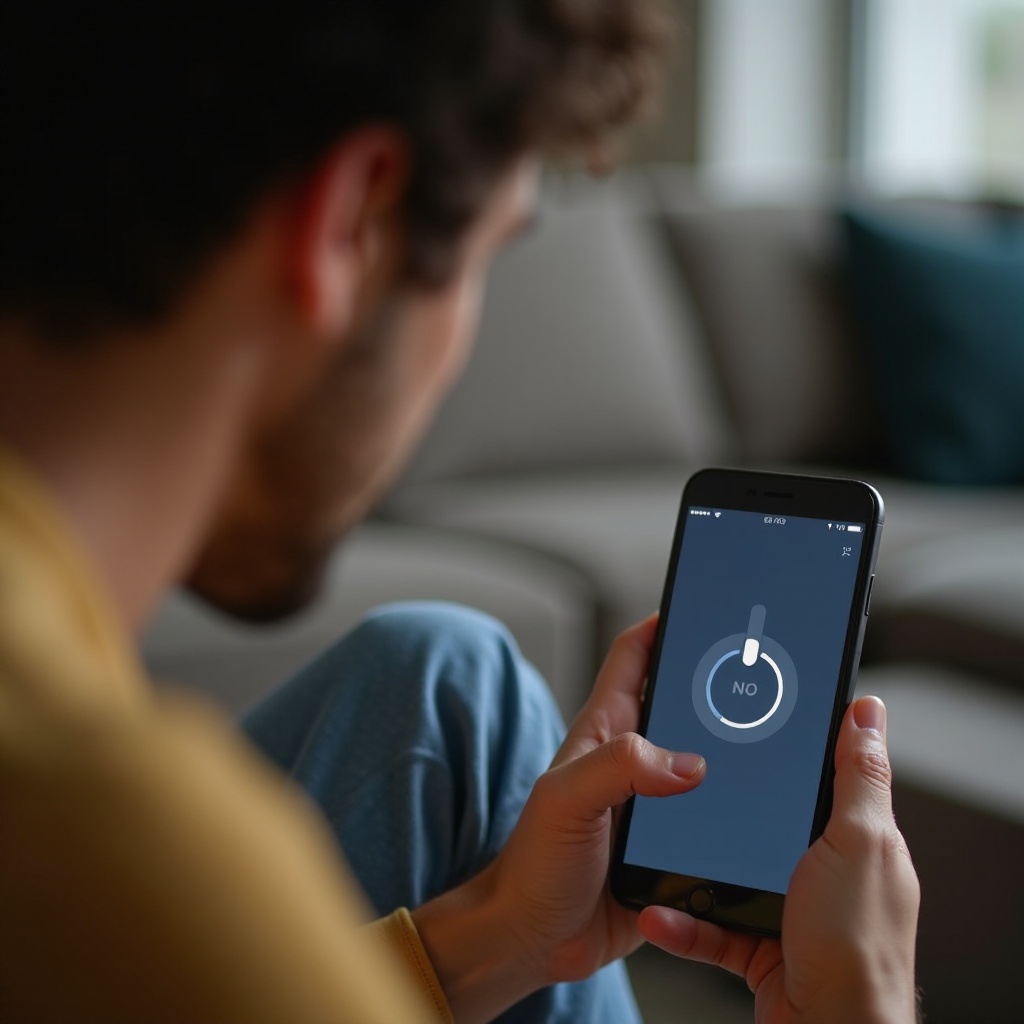
Step-by-Step Troubleshooting Guide
Experiencing repeated phone shutdowns can be frustrating. Here are steps to identify and fix the root cause:
- Check the Battery and Charging Sources:
- First, ensure your battery isn’t depleted by fully charging your phone.
-
Verify the charger by using it with another device to confirm it works properly.
-
Restart and Reset Your Phone:
- Try a soft reset by pressing the power and volume down buttons until the device restarts.
-
If the problem persists, consider performing a factory reset after backing up your data.
-
Update Software and Apps:
- Go to the phone’s settings to check for any available software updates.
- Update all applications as outdated apps may cause conflicts.
These steps can often resolve the issue, but if your phone remains problematic, professional help might be needed.
When to Seek Professional Help
After trying these troubleshooting steps, if your phone still shuts down unexpectedly, it may be time to contact a professional. Deep-seated software issues or significant hardware failures often require expert diagnosis. When faced with such issues, compare repair costs with potential device replacement costs, especially for older devices.
Taking care of the problem promptly not only restores functionality but can also prevent further damage. Meanwhile, adopting preventive measures can keep similar problems from occurring.

Tips to Prevent Future Issues
Preventive care is key to avoiding unexpected shutdowns and extending your phone’s life.
- Maintain Battery Health:
-
Avoid subjecting your phone to extreme temperatures and use the charger that came with it.
-
Regular Software Updates:
-
Enable automatic updates for both your phone’s operating system and all installed apps.
-
Protect Your Device Physically:
- Use a case and screen protector to reduce the risk of damage from drops or impacts.
Attending to these areas will help maintain your phone’s performance and reliability, reducing the likelihood of future problems.
Conclusion
By understanding why your phone might turn off and using effective troubleshooting methods, you can not only restore its functionality but also keep it running smoothly in the future. Implementing preventive measures today can significantly enhance your phone’s longevity and reliability.
Frequently Asked Questions
What should I do if my phone doesn’t turn on even after charging?
Firstly, test the charger and cable with another device to verify they work. If the issue persists, try a soft reset. If the phone still won’t power on, professional help may be required.
How can I tell if the battery needs to be replaced?
Signs of a failing battery include rapid power depletion, slow charging, and the phone overheating. If these symptoms occur, consider a battery replacement.
Are there apps that might cause my phone to turn off unexpectedly?
Yes, poorly coded or incompatible apps can lead to shutdowns. Regularly update apps and read reviews to minimize the risk of software-induced shutdowns.