
13 Feb 2026
Post by Elowenly
Introduction
Nest thermostats have become an integral part of smart homes worldwide, praised for their ability to efficiently manage your home’s temperature and save energy. Among its features, Eco Mode stands out as a way to conserve energy by adjusting temperatures during inactivity. However, if Eco Mode causes discomfort by disrupting your preferred temperatures, you might decide to turn it off. In this guide, you will learn step-by-step how to disable Eco Mode, so you can enjoy both comfort and efficiency in your smart home.
Understanding Eco Mode on Nest
Eco Mode is a clever feature on your Nest thermostat that automatically modifies the temperature when your home is not occupied, aiming to reduce energy usage. By keeping the environment slightly colder in the winter and warmer in the summer, Eco Mode plays a crucial role in energy conservation.
What is Eco Mode?
Eco Mode operates by utilizing sensors, Wi-Fi connectivity, and your smartphone’s location to determine when no one is home. By adjusting the set temperatures, it minimizes energy consumption while you’re away. While this feature is eco-friendly, it might not always align with everyone’s comfort requirements.
Pros and Cons of Eco Mode
Eco Mode boasts several advantages:
– It reduces energy usage and lowers utility bills.
– It contributes to a greener carbon footprint.
However, there are some drawbacks:
– It may not align with your comfort preferences upon returning home.
– Unplanned changes to your schedule may require manual adjustments.
Considering these benefits and drawbacks, you might decide to disable Eco Mode for a more consistent temperature setting that aligns with your needs.
Step-by-Step Guide to Turning Off Eco Mode
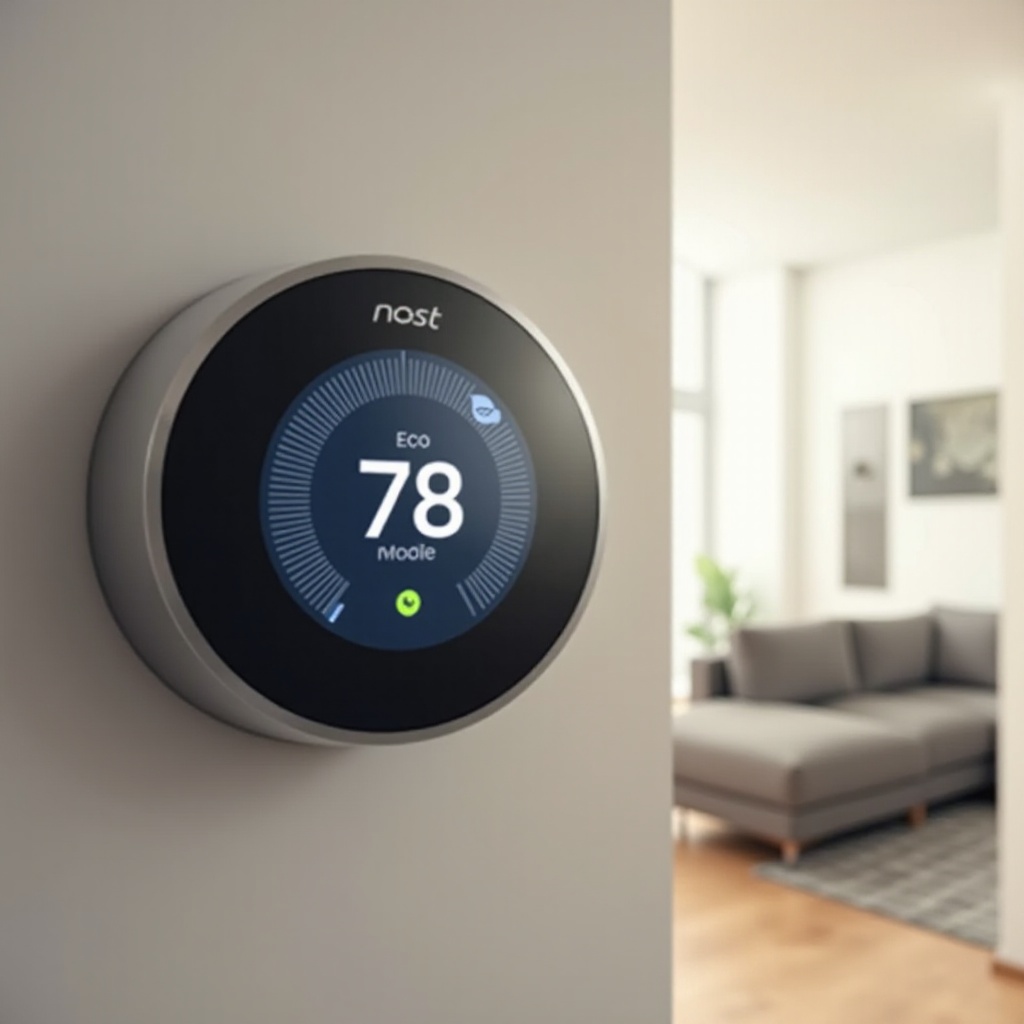
If you’re ready to turn off Eco Mode, these straightforward steps will guide you whether you’re on-site or controlling your Nest remotely via an app.
Accessing the Nest Thermostat Menu
- Begin by pressing the Nest thermostat unit to open the main menu.
- Rotate the ring until you find ‘Settings’ in the menu.
- Select ‘Settings’ to delve into the configuration options.
Disabling Eco Mode from the Thermostat
- Inside Settings, find ‘Eco’ and select this option.
- You’ll see the current setting mode. Switch Eco Mode off by toggling the option.
- Confirm your action by pressing the thermostat inwards.
Turning Off Eco Mode Using the Nest App
- Launch the Nest app on your smartphone or tablet.
- Choose the thermostat you need to adjust.
- Navigate to ‘Settings’ and then ‘Eco Temperatures’.
- Use the toggle to turn off Eco Mode.
Perform these easy steps to disable Eco Mode and ensure your temperatures cater to your comfort, whether you’re home or away.
Optimizing Your Nest Thermostat Settings
Turning off Eco Mode provides the perfect opportunity to optimize your thermostat’s settings for comfort and energy conservation.
Manual Setting Recommendations
Opt for temperature settings that maintain comfort without excessive energy use. Adjusting your schedule according to your routine can keep your home comfortable all day long.
Seasonal Adjustments for Efficiency
- Winter: Use lower settings when the house is empty, and set a cozy warm temperate when home.
- Summer: Raise the temperature when your home is unoccupied to conserve energy, setting it cooler when you’re there.
These measures ensure that the thermostat operates efficiently, minimizing energy use even when Eco Mode is turned off.
Troubleshooting Common Issues
While usually straightforward, disabling Eco Mode may occasionally present difficulties. Here’s how to handle common problems.
Fixing Problems When Eco Mode Won’t Turn Off
- Restart your thermostat by selecting ‘Settings’ and ‘Restart’.
- Update your thermostat’s software to the latest version.
- Reset network settings if the problem persists.
Contacting Support for Persistent Issues
If problems continue despite your attempts, reach out to Nest Support. They can offer solutions tailored to your device and particular issue.
Best Practices for Using Nest Thermostat
To maximize your smart home setup, incorporate your Nest thermostat with other devices and practice energy-saving methods.
Integrating with Other Smart Devices
- Connect with smart speakers like Google Home or Amazon Alexa for enhanced voice control.
- Utilize smart plugs or switches alongside the Nest for a unified home automation system.
Energy Saving Tips Without Eco Mode
- Harness natural light for passive heating or cooling strategies.
- Regularly replace HVAC filters to maintain system performance.
These strategies ensure your Nest thermostat functions effectively while supporting the comfort you need.
Conclusion
In summary, while Eco Mode provides benefits in energy saving, turning it off can help tailor your thermostat to your comfort preferences. This guide equips you with the essential steps to disable Eco Mode and optimizes your Nest thermostat settings for an efficient smart home experience. By troubleshooting any issues and employing best practices, you’ll manage comfort and efficiency seamlessly.
Frequently Asked Questions
How do I know if Eco Mode is off?
Check the display on your Nest or the settings in the Nest app—it should indicate the mode status.
Can I schedule Eco Mode to turn on and off automatically?
Eco Mode activates based on preferences and location settings, but cannot be scheduled like regular settings.
What should I do if Eco Mode turns back on by itself?
Ensure your settings are saved correctly and verify your phone’s location settings, as it might be triggering Eco Mode.