
19 Jan 2026
Post by Elowenly
Introduction
Vinyl records offer a unique listening experience cherished by many music enthusiasts. However, to enjoy this collection anywhere, digital conversion is essential. This guide will help you transfer your vinyl records to a digital format seamlessly, preserving their original sound while enhancing accessibility. Let’s explore the steps and equipment you’ll need to achieve excellent results.
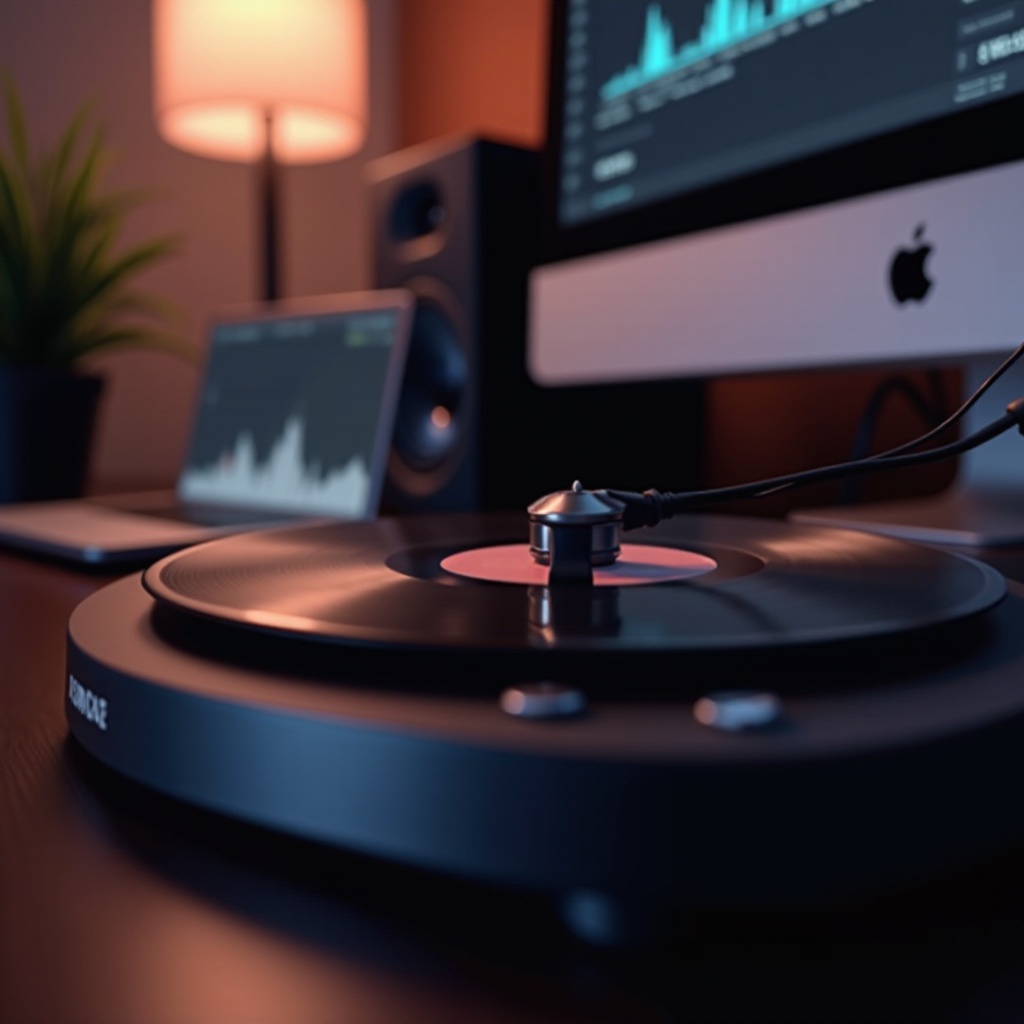
Understanding the Importance of Digital Conversion
Digital conversion allows you to enjoy your expansive vinyl collection without physical limitations. This process not only secures your records against wear but also provides easier music management.
– Why Digitize Your Vinyl Collection? Digital formats offer unparalleled convenience, portability, and sharing capabilities. They safeguard the sound integrity of your records for future enjoyment.
– Preserving Sound Quality in the Digital Age: Advanced technology has provided us with the means to preserve the warmth and depth of vinyl in digital forms. It ensures your records remain intact and undistorted when saved digitally.
With the rationale behind digital conversion clear, let’s look at what equipment you’ll need to get started.
Essential Equipment Needed for Conversion
Having the right tools will make your conversion process smooth and successful. Here’s what you’ll need:
– Choosing the Right Turntable: Opt for a turntable with USB output for easy connection to your computer. Alternatively, use a traditional turntable paired with an audio interface.
– Audio Interfaces and Their Role: Audio interfaces bridge your turntable and computer, converting analog signals to digital. They ensure your recordings retain the vinyl’s high quality.
– Important Accessories for Optimal Conversion: Quality RCA cables, a stable power source, and a vinyl cleaning kit will enhance your conversion results.
With your equipment set up, you’re ready to dive into the conversion process itself.
Step-by-Step Vinyl-to-Digital Conversion Process
Now that you’re equipped, follow these steps for a successful conversion:
1. Setting Up Your Equipment: Connect your turntable to the audio interface and then to your computer. Double-check connections for stability.
2. Using Software for Audio Recording: Select recording software, such as Audacity. These programs allow real-time sound capturing and provide editing options.
3. Tips for Ensuring High-Quality Conversion:
– Set audio input levels to prevent clipping.
– Begin with clean vinyl to reduce noise.
– Monitor the recording for uniform quality.
After capturing your records digitally, improve them through editing.
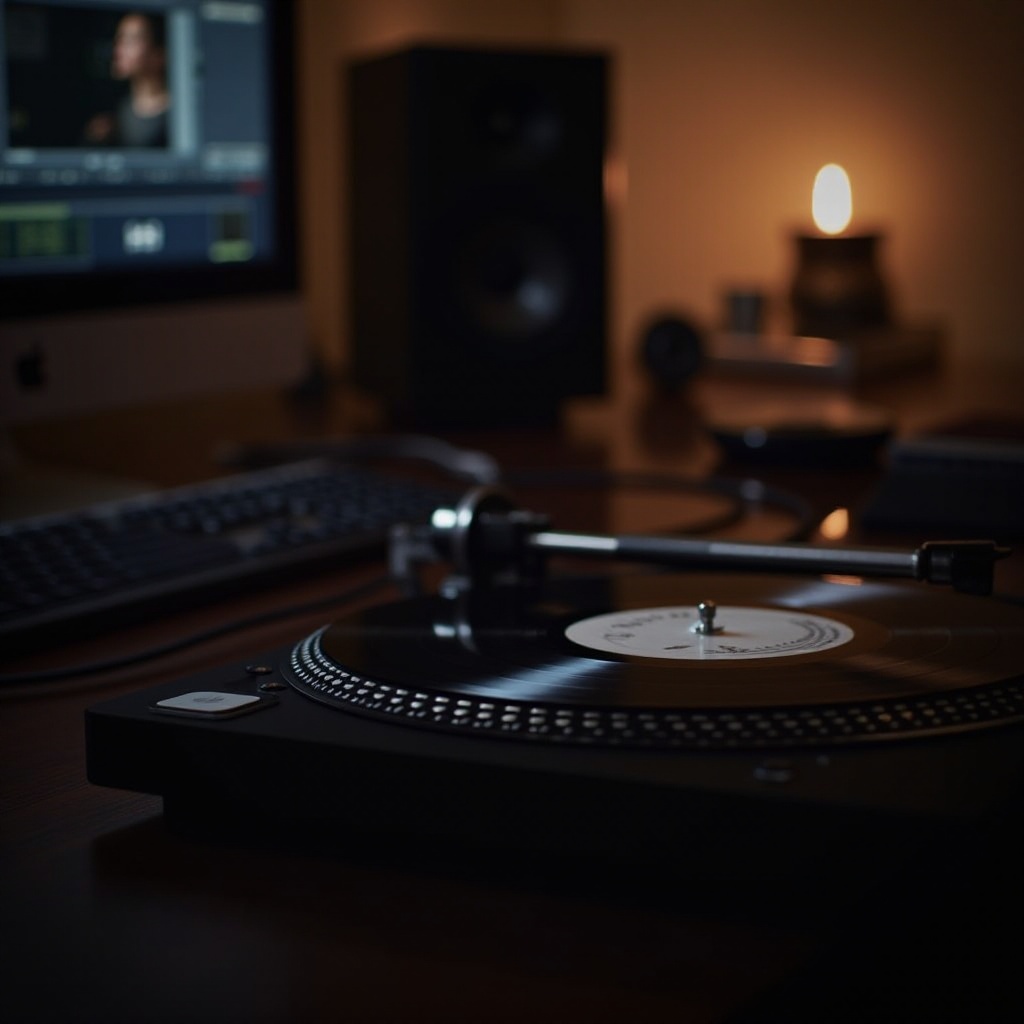
Editing and Enhancing Your Digital Files
Refining your digital files ensures they match or exceed their analog quality. Here’s how:
– Basic Audio Editing Techniques: Use your editing software to trim unnecessary start and end silences. Normalize volume levels for uniform output.
– Removing Unwanted Noise: Employ noise reduction features to eliminate pops and hisses, maintaining the music’s purity.
– Optimizing Audio Levels for Best Results: Adjust equalization settings, allowing you to enhance desirable frequencies without distortion.
Once satisfied with the edits, it’s time to organize and store your collection securely.
Storing and Organizing Your Converted Music
Proper storage and organization mean your music is safe and easily found when needed.
– Choosing Appropriate File Formats: Save files in lossless formats like WAV or FLAC to maintain quality. Use MP3s for easy sharing and portable devices.
– Best Practices for Digital Music Storage: Use external drives or cloud services for backups. Employ consistent naming and metadata tagging to streamline file management.
By following these guidelines, you’ve secured a high-quality, digitized music library, ready for enjoyment anytime.
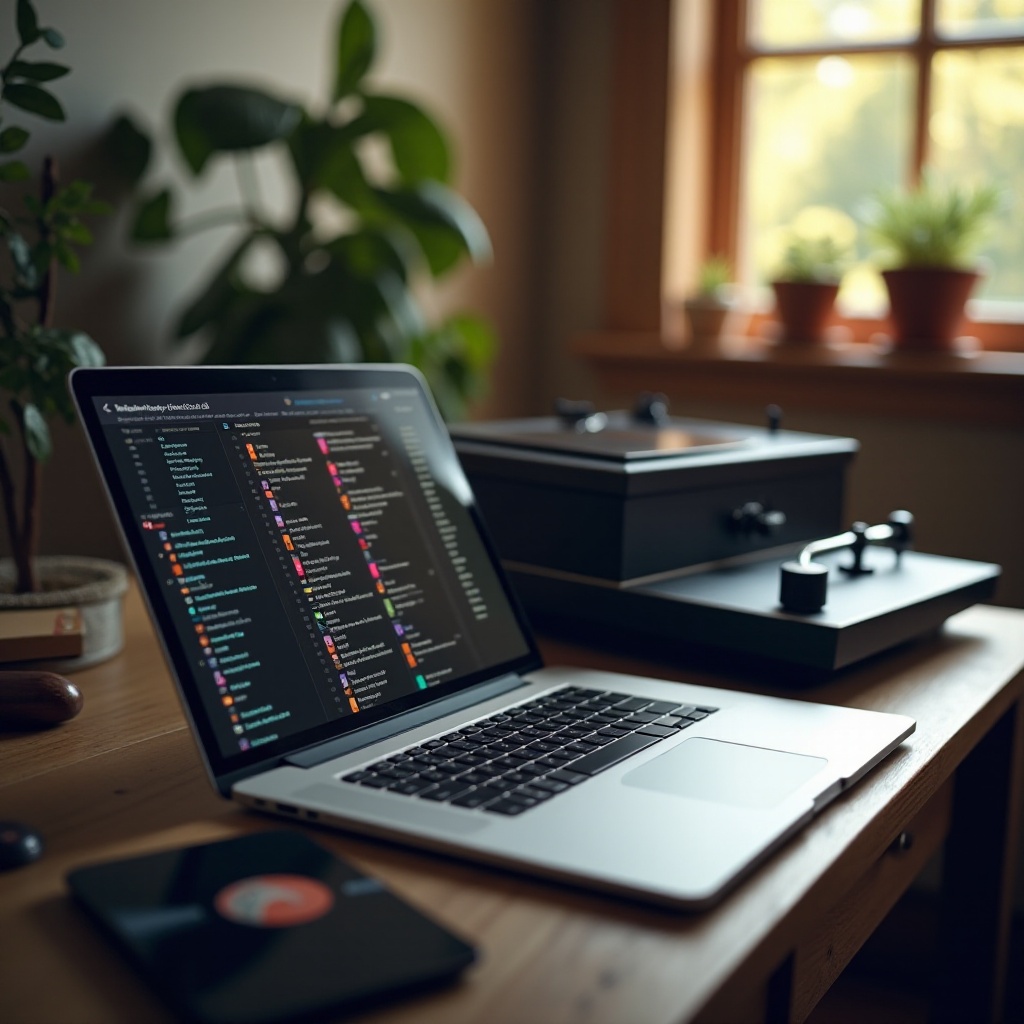
Conclusion
Through careful preparation and following the steps outlined, converting your vinyl collection to digital form not only preserves your cherished music but enhances its accessibility. Recall the warmth of vinyl with the convenience of digital access, enjoying your music wherever you go.
Frequently Asked Questions
What is the best file format for archiving converted vinyl records?
FLAC or WAV are recommended for archiving because they preserve audio quality without loss, allowing for future editing without degradation.
Can I use any turntable to convert my records to digital?
Most turntables can be used, but those with USB output are more straightforward. Older models may require an audio interface for conversion.
How can I improve the sound quality of my digitized vinyl collection?
Clean your records thoroughly before converting, use high-quality cables, and utilize editing software to remove unwanted noise and enhance fidelity.